Stackweaver / Ansible
Ansible automation, with a web interface.
Give your team a shared place to launch repository playbooks, manage inventories and credentials, schedule jobs and inspect the result.
Available as SaaS, or self-hosted with Docker Compose or Helm.
From the repository to the job result
- Connect a repository containing the playbook your team already uses.
- Choose an inventory and the credentials the job needs.
- Launch the playbook directly or configure a reusable job template and schedule.
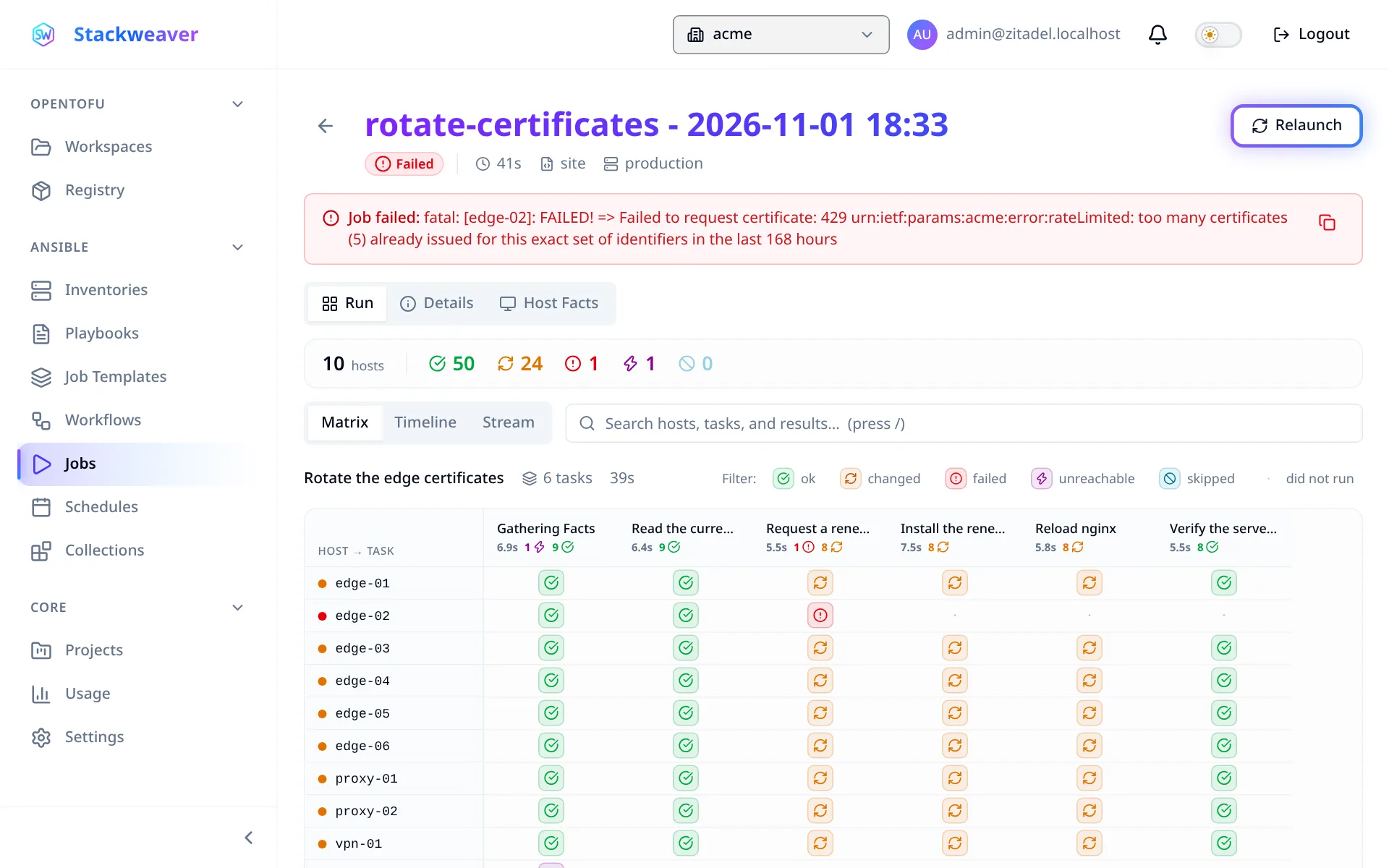
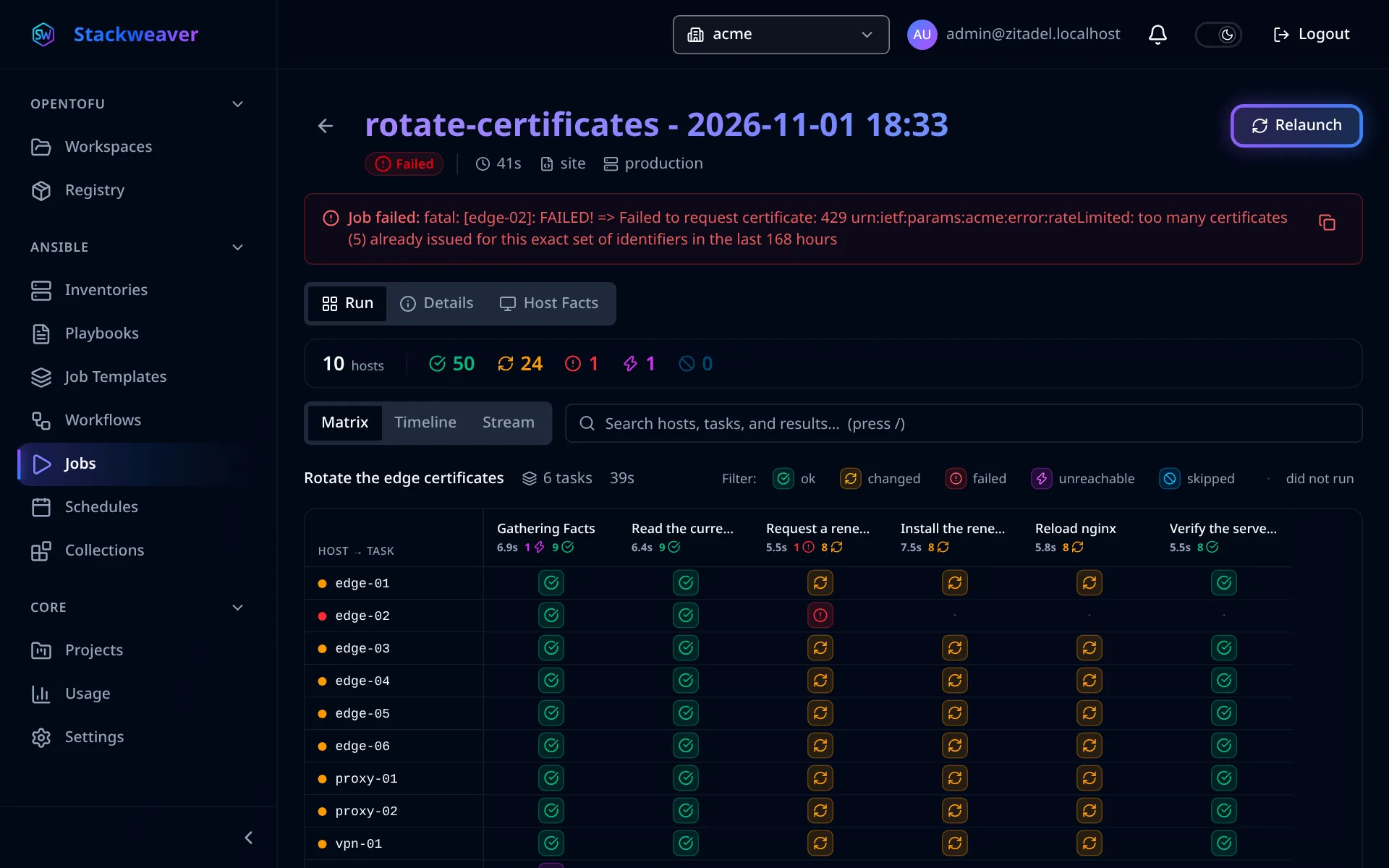
- Inspect the host-by-task result and output to understand where the run succeeded or failed.
Keep reusable launch settings in a job template so teammates can run the same automation and inspect its results.
Try the workflow, then compare
Run and schedule a small Ansible playbook to see the path from Git to a recurring job.
Read the Stackweaver and Ansible Automation Platform comparison for deployment choices and the work involved in moving existing automation.
The Semaphore UI comparison looks at running Ansible alongside infrastructure workspaces.
Run your first Ansible job.
Connect your repository, select an inventory and follow the job through to its task results.